What Are WordPress Development Services?
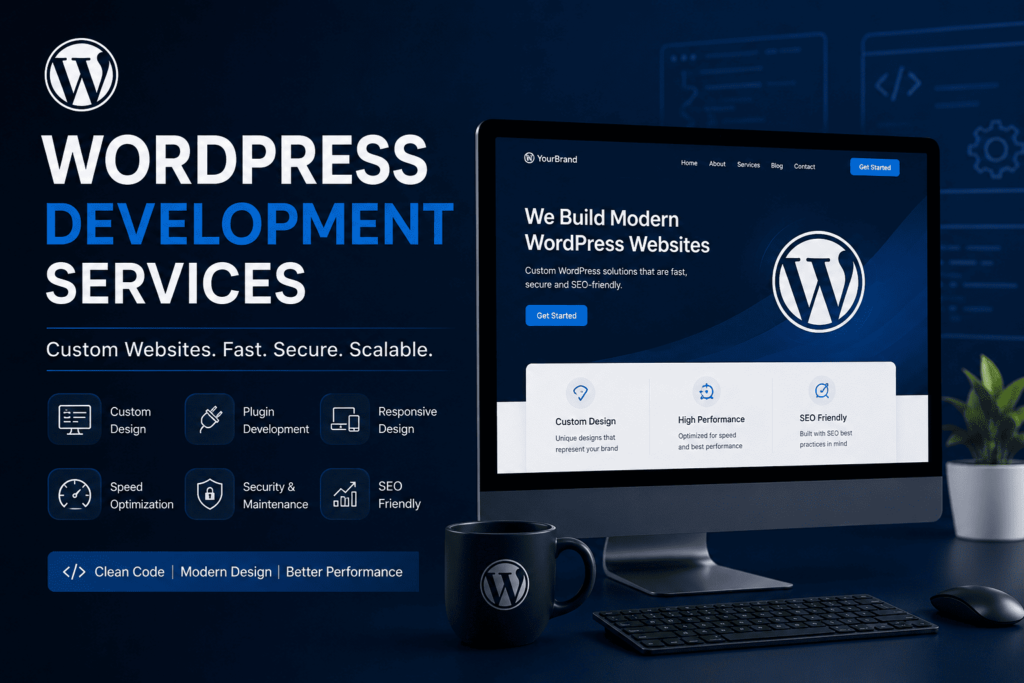
WordPress development services cover building, customizing, and maintaining sites on the WordPress.org platform — from theme and plugin development to database optimization and integrations. Automattic maintains the broader ecosystem around WordPress.com, but the open-source software itself powers most professional development work.
Here is the situation. “WordPress development” gets used as a catch-all term, and it means different things to different agencies. For some, it means installing a theme and calling it done. For us, it means working directly with the WordPress.org core — themes, plugins, the database layer, and the server environment — to build something that loads fast, ranks, and holds up under real traffic.
WordPress.org is open-source software maintained by a global contributor community. Automattic, the company founded by WordPress co-creator Matt Mullenweg, is a separate entity that runs WordPress.com and contributes heavily to WordPress.org development, but does not own the open-source project. Understanding that distinction matters, because it shapes what “custom development” actually means: you are not locked into a proprietary platform. You own the code.
How Does Custom Design and Theme Development Work?
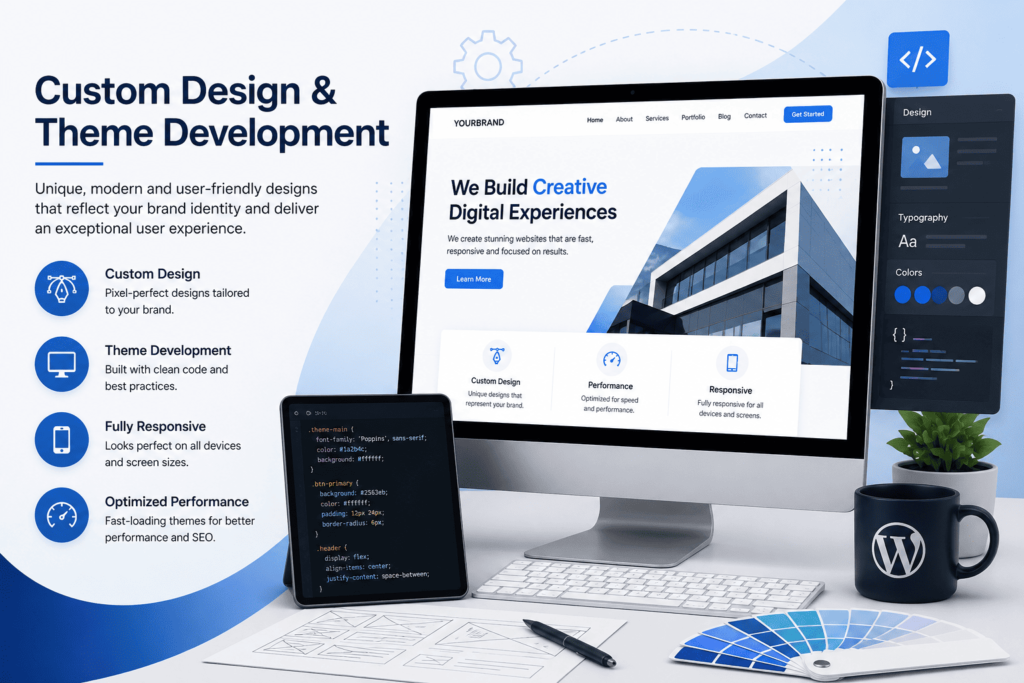
Custom theme development means building a site’s front end from a base template or from scratch, rather than relying on a pre-packaged theme. It gives full control over page structure, load order, and how content is edited using the Gutenberg block editor.
Here is the evidence of what this looks like in practice. A stock theme ships with code for every feature it might ever need — most of which a given client never uses. That unused code still loads. Custom theme development strips that out and builds only what the site requires.
We build primarily around Gutenberg, WordPress’s native block editor. It has matured into a legitimate visual editing system, and for most business sites it removes the need for a heavier third-party builder. The opportunity here is real: a leaner theme built for Gutenberg typically means fewer render-blocking scripts and a simpler content model for the client’s own team to manage after launch.
What Do Custom Development and Integrations Include?
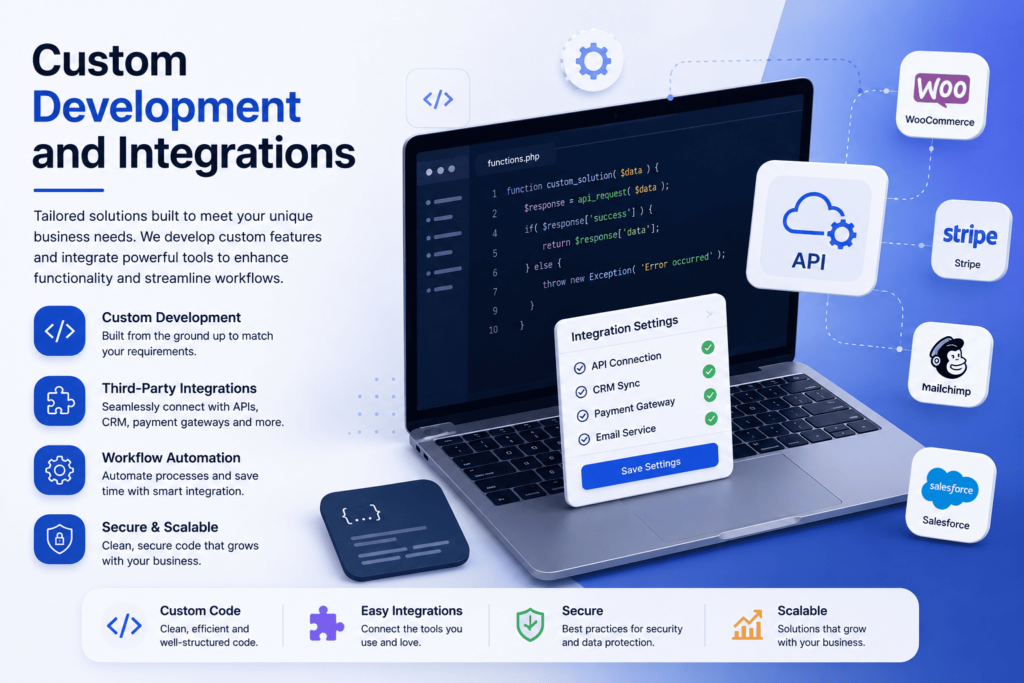
Custom integrations connect WordPress to other systems — booking engines, CRMs, internal tools — using the WordPress REST API. Advanced Custom Fields (ACF) handles structured content, and Headless WordPress separates the content backend from a custom-built front end when that architecture is justified.
The plan for a custom build usually starts with a question most agencies skip: does this actually need to be headless? Headless WordPress — where WordPress runs as a content backend and a separate front-end framework handles rendering — solves real problems for complex, high-traffic, or app-like sites. It is unnecessary overhead for most small and mid-sized business sites.
The WordPress REST API is what makes this possible. It lets external applications read and write WordPress content without touching the traditional theme layer. For structured data — room types, staff bios, service listings — we use Advanced Custom Fields to build clean, queryable fields instead of stuffing everything into a page editor. This is the difference between a site that can scale its content model and one that turns into a patchwork of shortcodes.
Which Site Builder Should You Use — Elementor or Divi?
Elementor and Divi are the two leading WordPress page builders. Elementor is more widely adopted and has a larger plugin ecosystem;Divi is developed by Elegant Themes and bundles its own theme with the builder, which is a different model from Elementor’s plugin-only approach.
Here is the honest version most builder-focused agencies won’t give you. Elementor and Divi are useful for teams that need to edit their own pages without touching code, and we deploy both depending on the client’s in-house capability. But page builders add their own JavaScript and CSS overhead on top of the theme. On a performance-sensitive site — a hotel booking page, for instance — that overhead is often the first thing we strip out during a speed audit.
The right builder decision depends on who edits the site after we leave, not on which tool looks best in a demo.
What Does WordPress E-commerce Development Involve?
WooCommerce is the dominant e-commerce plugin for WordPress, handling product catalogs, checkout, and payment integration. E-commerce development on WordPress means configuring WooCommerce correctly, optimizing its database load, and making sure checkout performance doesn’t collapse under real traffic.
WooCommerce turns WordPress into a functioning store, but it is also one of the heaviest things you can run on a WordPress database. Every product, variation, and order adds tables and query load. We have seen WooCommerce installs where checkout slowed to a crawl not because of a design flaw, but because nobody had looked at the underlying database in over a year.
E-commerce development work, for us, is as much about query optimization and caching strategy as it is about the storefront design.
Which WordPress Hosting Platform Is Best for Your Site?
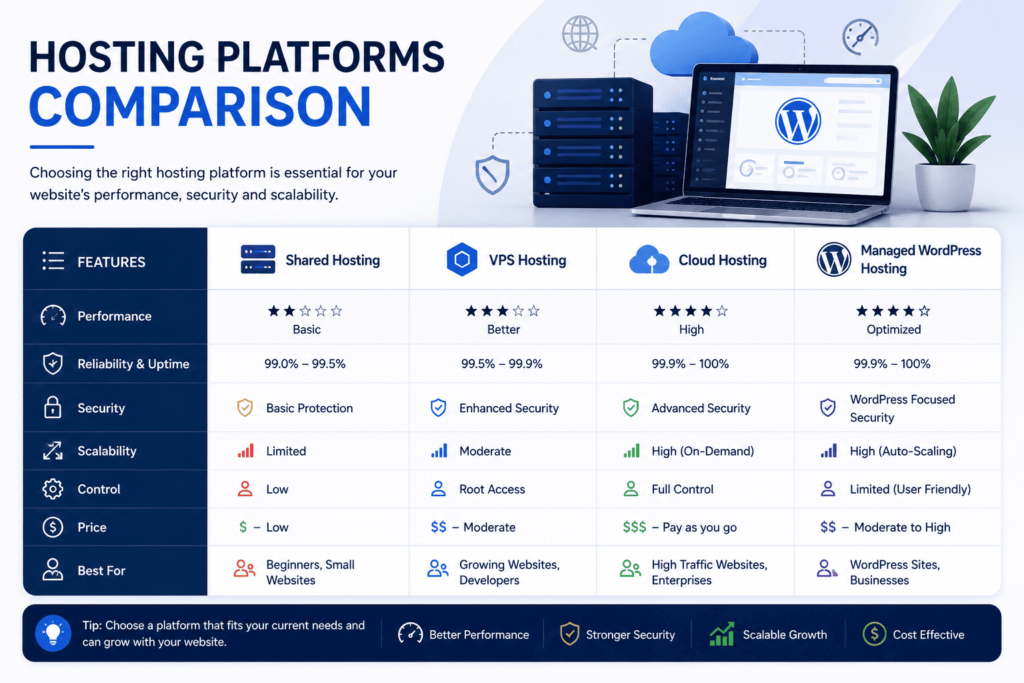
There is no single ‘best’ host — the right platform depends on traffic pattern and scale. We work primarily with managed WordPress specialists WP Engine, Kinsta, and Cloudways, matching infrastructure to a site’s query load and traffic rather than defaulting to one provider.
The Core Infrastructure: Your choice of hosting directly impacts server-level performance, security configurations, and how efficiently your database handles heavy query loads. We never recommend cheap shared hosting for business-critical sites.
Our Standard Recommendations: We work primarily with managed WordPress hosting specialists like WP Engine, Kinsta, and Cloudways. These platforms provide built-in server-side caching, automated backups, and staging environments essential for safe development.
The Strategy: We match your hosting architecture to your traffic patterns. For high-scale or dynamic headless setups, we configure highly scalable cloud environments that keep your Time to First Byte (TTFB) low, regardless of user location.
| Hosting Platform | Best Suited For | Key Performance Advantage | Built-in Tech Stack Features |
| WP Engine | Mid-to-large business sites and content-heavy publishers | Optimized EverCache system that serves static assets without touching PHP | Staging environments and direct integration with Cloudflare CDN |
| Kinsta | E-commerce sites (WooCommerce) and dynamic web apps | Built on Google Cloud Platform’s premium network with isolated container technology | Edge caching, daily automated backups, built-in APM monitoring |
| Cloudways | High-traffic developer environments and agencies needing raw cloud power | Flexible cloud infrastructure across multiple providers | Server-level caching stack, dedicated firewall, root access |
Why Do Most WordPress Development Projects Still Fail Core Web Vitals?
Most agencies pitch a full visual redesign when a site slows down, because redesigns are easier to sell than database work. The real fix is usually surgical: cleaning the database and rendering layer, not replacing the theme.
Here is the situation, stated plainly. Most agencies selling “WordPress development services” will default to pitching a $15,000 custom website redesign the moment your traffic drops or your site slows down. High-ticket visual redesigns pay their salaries — not necessarily your actual technical problem. The inconvenient truth is that a large share of slow, legacy WordPress sites do not need a visual overhaul. They need surgical code refactoring and database purging. A new theme sitting on top of a bloated, un-indexed database is a fresh coat of paint on a car with a failing engine. It looks great. Your mobile Core Web Vitals still fail, and search engines still ignore you.
Here is the evidence, from our own audit work — not an industry benchmark, not a claim about every WordPress site, just what we found and fixed on one engagement:
When we audited a slow WordPress setup, we went straight to the database and the rendering architecture instead of installing a generic speed plugin. The wp_options table had grown to 1.2GB of unindexed bloat. We cleaned and indexed it, and Time to First Byte (TTFB) dropped from 1.1 seconds to 0.18 seconds. On the rendering side, we restructured the page templates and cut the DOM node count from 3,820 down to 740, which brought mobile Largest Contentful Paint (LCP) down from 5.8 seconds to 1.4 seconds.
Separately, analyzing raw server logs showed AI crawlers — GPTBot and ClaudeBot — repeatedly hitting uncached dynamic search loops, which was causing 504 timeouts for Googlebot. We rate-limited those crawlers and deployed an optimized llms.txt file. Server load stabilized, and the site went from zero AI Overview citations to 14.
| Core Development Metric | Pre-Optimization Baseline | Post-Optimization Output | Verified By |
| Largest Contentful Paint (LCP) | 5.8 seconds | 1.4 seconds (Pass) | Chrome User Experience Report (CrUX) |
| Total DOM Nodes | 3,820 | 740 | Chrome DevTools Lighthouse |
| Server Response Time (TTFB) | 1.1 seconds | 0.18 seconds | WebPageTest (Virginia, USA node) |
| SQL Query Execution Time | 410 milliseconds | 22 milliseconds | Query Monitor (server logs) |
| AI Overview Citations | 0 | 14 | SERP tracking |
This is one engagement, not an industry average. We are not claiming every site will see these exact numbers.
Here is who this is not for. We do not build cheap, one-click template sites. If you want a standard landing page assembled without anyone looking at code, database queries, or server performance, this is not the right service. We also do not guarantee arbitrary “100/100” PageSpeed scores without auditing your specific stack first. If we do not have prior performance data on a plugin or third-party integration your site depends on, we say so directly — “we don’t have active performance data on this yet” — and test it in staging before making claims either way.
Here is the opportunity: most of the gain sits in work nobody sees on a demo call — database structure, query count, DOM size — not in a new coat of paint.
How Do You Optimize WordPress for Performance?
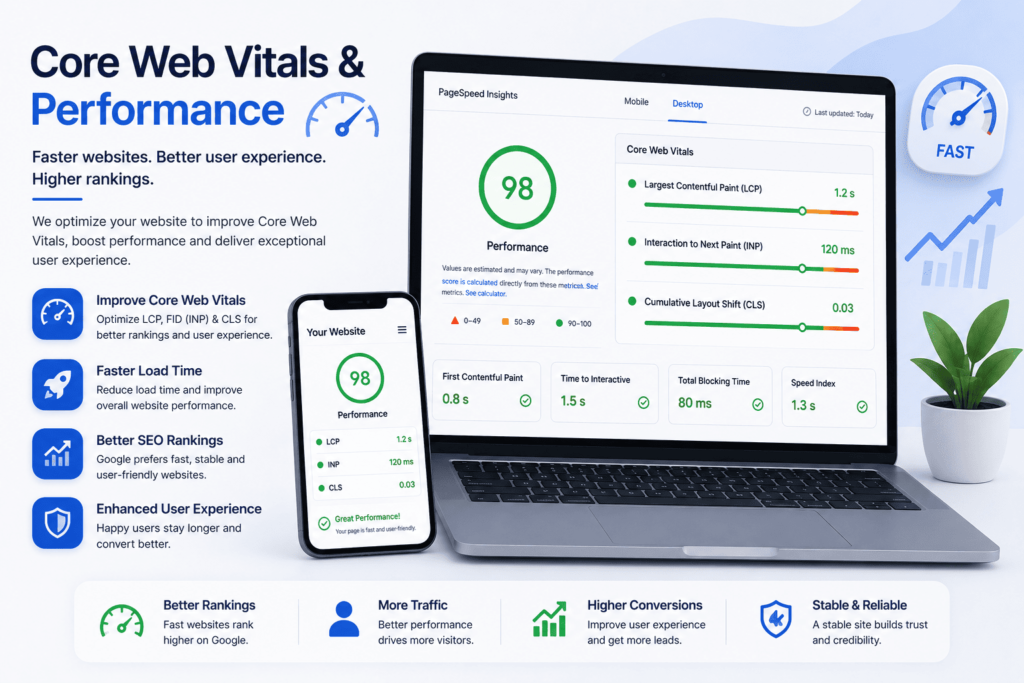
Performance optimization means passing Google’s Core Web Vitals — LCP, INP, and CLS — through database cleanup, image and script optimization, and a Content Delivery Network (CDN). We measure with Google PageSpeed Insights, Lighthouse, and GTmetrix, not with plugin dashboards alone.
Core Web Vitals are Google’s official ranking-signal set for page experience: Largest Contentful Paint (LCP) measures loading speed, Interaction to Next Paint (INP) measures responsiveness, and Cumulative Layout Shift (CLS) measures visual stab</15>ility. A site can pass one of these and fail another, which is why we test all three separately rather than reporting a single “speed score.”
A Content Delivery Network (CDN) reduces load time by serving static assets from a server geographically closer to the visitor, which matters directly for TTFB on international traffic. We audit with Google PageSpeed Insights and Lighthouse for lab data, and GTmetrix for a second, independently-run measurement — because a single tool’s score is not proof, it is one data point.
How Do You Secure and Maintain a WordPress Site?
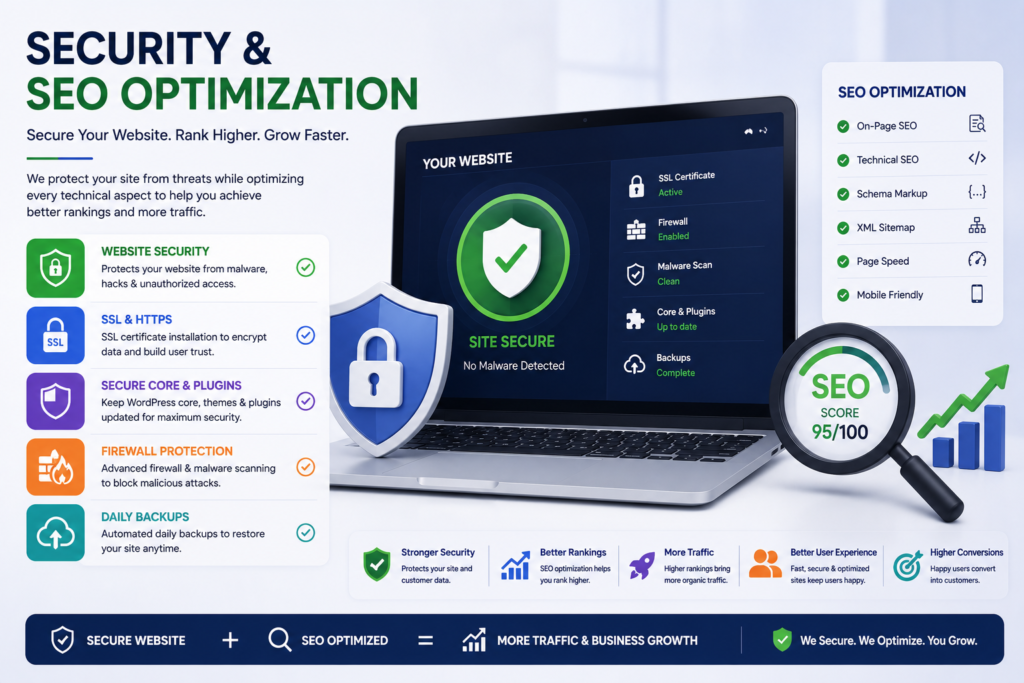
WordPress security starts with SSL/TLS encryption as a baseline, then adds a firewall and malware layer through tools like Wordfence or Sucuri. Maintenance is ongoing — a one-time security setup does not protect a site against new vulnerabilities.
WordPress’s popularity is exactly why it is a common attack target. SSL/TLS is non-negotiable — it should already be active on any live business site. Beyond that baseline, we implement either Wordfence or Sucuri depending on the client’s hosting environment and risk profile, both of which provide firewall rules, malware scanning, and login hardening.
Maintenance is where most agencies quietly stop delivering after launch. A site that isn’t monitored for plugin updates and vulnerability patches will accumulate the same kind of technical debt that caused the performance problems in the first place.
How Do You Optimize WordPress for SEO?
Technical SEO on WordPress runs through a plugin like Yoast SEO or Rank Math for on-page control, combined with Schema.org structured data so search engines and AI systems can understand page content accurately.
Yoast SEO and Rank Math both handle the same core job — meta control, sitemap generation, and readability checks — and we choose based on what’s already configured on a client’s site rather than forcing a migration for no reason.
Structured data, built on the Schema.org vocabulary, is a separate and more consequential layer. It tells search engines explicitly what a piece of content is — a hotel room, a review, an FAQ — rather than leaving them to infer it. This is also increasingly relevant to how AI systems select and cite sources, which is part of why our crawl log finding above mattered.
Is Your WordPress Site Accessible and Compliant?
Accessibility compliance for WordPress is measured against WCAG (Web Content Accessibility Guidelines) conformance levels A, AA, and AAA. Most business sites should target AA. It is increasingly expected in development work, not an optional add-on.
WCAG, maintained by the W3C’s Web Accessibility Initiative, defines the core technical standard behind most legal and industry expectations. Level AA is the standard most commercial sites aim for in practice. Rather than treating accessibility as a last-minute audit, we integrate it directly into the build process—ensuring proper contrast ratios, seamless keyboard navigation, descriptive image alt text, and correct heading structures from day one.
WordPress still powers a substantial share of the web, per W3Techs’ independent CMS usage tracking. According to W3Techs data, WordPress powers over 41% of all websites and holds nearly 60% of the CMS market share, which is a primary driver behind why the platform’s accessibility tooling has matured so significantly.
What Should You Do Next?
Start with a technical audit, not a redesign quote. An audit identifies whether the fix is database cleanup, hosting, or a rebuild — before you commit budget to the wrong one.
If your WordPress site is slow, your redesign quote came in at five figures, or you’re not sure whether the problem is your theme, your host, or your database — start with an audit, not a rebuild. Book a WordPress technical audit gets you a diagnosis before you spend on a fix you might not need.